May 19th, 2026
Customer segments built in Dema can now be pushed to Klaviyo as custom properties on the matching profiles, refreshed daily. Once the integration is connected, the customer labels you've defined in a segmentation set land on each Klaviyo profile and stay in sync without manual exports.
From there, you can use them inside Klaviyo as audience filters for campaigns and flows, or as conditions inside flow logic. Profitability tiers, sell-through bands, lifecycle stages, or any other rule-based set you've built in Dema becomes a first-class audience signal in your email and SMS automation.
You'll find Klaviyo alongside Shopify in Manage integrations on the customer segmentation set view. Connection is set up by your Customer Success representative; once enabled, the daily export runs automatically.

The reports and dashboards date picker has been redesigned. The main range and the comparison range each have their own trigger and their own dropdown, joined by a "vs" separator, so you can shape both sides of a comparison independently.
The custom range dialog also gains three new tabs that let you describe a range rather than pin down exact dates. Since anchors a fixed start date with a dynamic end, so "Since 13 October until yesterday" keeps moving forward as days pass without you reopening the picker. Last offers flexible "last N" ranges across days, weeks, months, or quarters, so you can go beyond the prebuilt presets without typing dates by hand. This covers this week, month, quarter, or year, with the end anchored at the end of the period, today, or yesterday.

May 7th, 2026
You can now search the Dema Agent chat sidebar by title. A new Search button under "New chat" opens a command palette, and Cmd/Ctrl+K toggles it from anywhere on the agents surface. Type a few characters, fuzzy match across titles, arrow keys plus Enter to open.
Chats can also be renamed. The auto-generated title that drifts as the conversation evolves is no longer the only option. Hover any chat in the sidebar, choose Rename, and pick a name that reflects what the chat is about. The new title sticks across reloads, shows up in search, and follows the chat if you share it. Combined, older conversations that used to be impossible to find are reachable in seconds.

Cmd/Ctrl+V in any chat textarea now uploads supported files from your clipboard β screenshots, files copied from your desktop or file browser, anything the upload button already accepts. Plain text paste behaves exactly as before.
Slash commands and integration mentions also got a refresh. Typing / and @ in the chat input now renders skills and integrations as styled pills instead of plain text, and those pills carry through to the sent message so you can scan a conversation and see at a glance which skills and integrations were referenced. Long markdown tables in agent responses now wrap properly, so cells with links or formatting are no longer truncated.

Product costs (/settings/data/product) now supports a fixed cost-of-goods-sold per item in addition to gross margin percentage. Both values live on the same row in the same taxonomy table. The rule system is unchanged, so the most specific match still wins and rules fall back to their parent. When both a fixed amount and a percentage are set on the same rule, the fixed amount takes precedence.
Use this for SKUs where cost is genuinely a per-unit number rather than a margin assumption.
April 17th, 2026
The Dema Agent now runs on Claude Opus 4.7, the most capable model in the Claude family. It handles complex analyses with more precision, follows instructions more closely, and is better at verifying its own output before presenting results.
You'll notice the difference most in longer, multi-step tasks where the Agent needs to hold context across several queries or work through ambiguous questions without losing track.

We've added new dashboard and report templates based on customer requests. You'll find them under the Dema team in the dashboards and reports sections.
April 2nd, 2026
Table widgets on dashboards now support a totals row. It's a sticky footer that shows aggregated values for all your metrics across the full dataset, not just the visible rows.
You can toggle it on from the widget properties panel. It's off by default, so existing dashboards are unaffected. The widget header also now shows "Showing X of Y rows" so you always know how much of the data you're seeing.

The Reports view has a new unified properties panel. It replaces the previous two separate panels (Chart Settings and Report Details) with a single tabbed interface covering data configuration, chart settings, and general properties.
The Chart tab also introduces a few new controls. You can show or hide the chart itself to focus on the table, toggle comparison lines and the legend on or off, and switch to a cumulative view for metrics over time.
Everything is now in one place, making it faster to configure your reports without jumping between panels.

March 20th, 2026
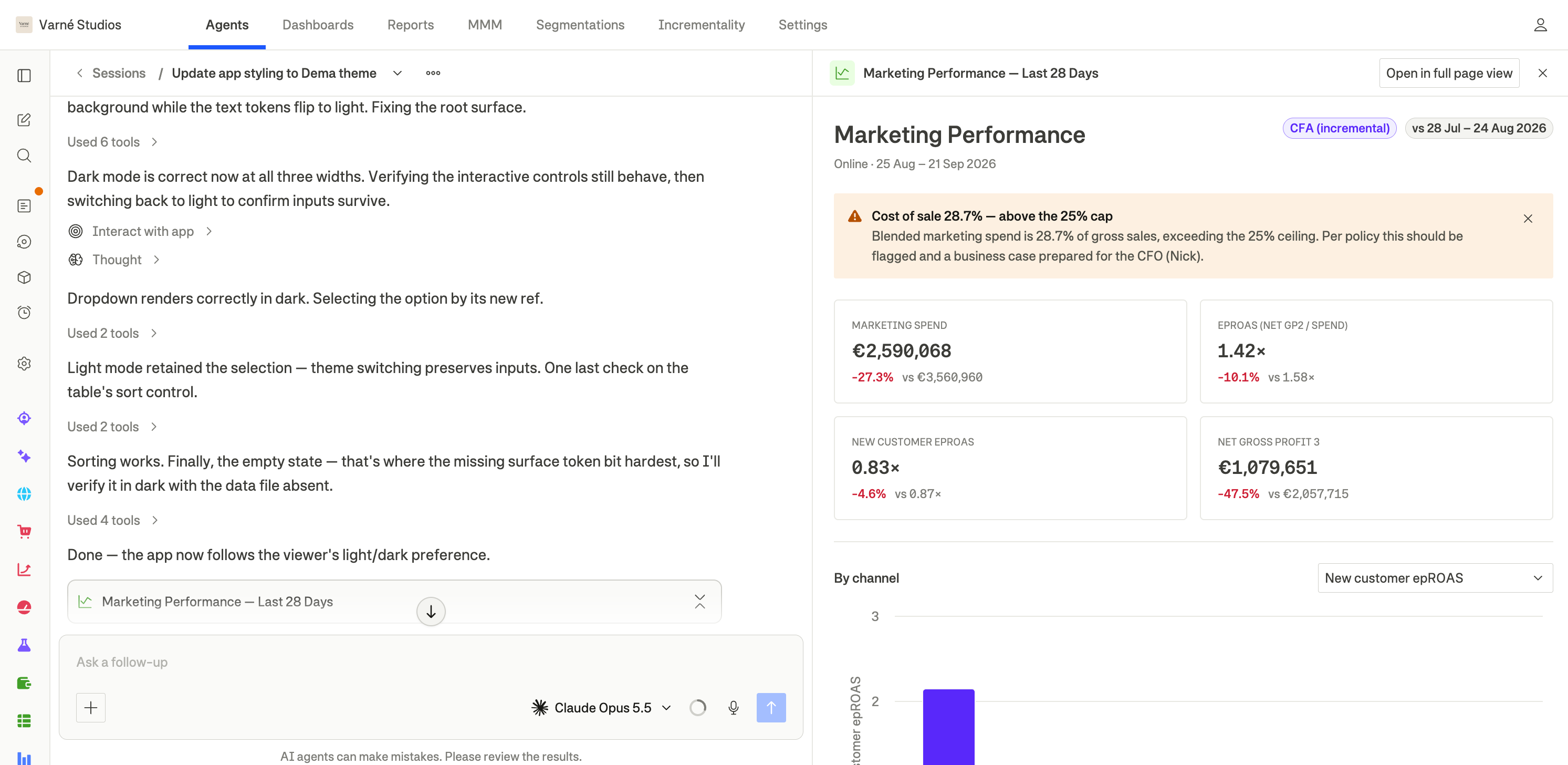
Charts and tables generated by the Dema agent are now customisable. Instead of rendered markdown, the agent uses the same components you know from dashboards and reports.
You can adjust charts and tables directly after the agent creates them. Change the chart type, adjust metrics, reorder axes, or toggle comparison periods from the chart settings panel. No need to ask the agent to regenerate anything.
Data is also more reliable. Numbers and formatting are pulled directly from the source, removing the risk of values getting misformatted or rounded along the way.

March 6th, 2026
You can now create styled fashion photos directly in the Agent. Provide reference images, select products from your catalog, and the Agent guides you through a step-by-step shoot, from setting the visual direction to generating final images.
It works like a creative direction session. You share reference photos, the Agent confirms the style with you, then generates model options and shot concepts that match your brand. You stay in control at every step.
Since the Agent has access to your full product catalog, you can ask it to find the right products to shoot. For example, items with low sell-through that need fresh visuals. The Agent preserves details like logos, text, and construction so they carry through into the final images.
Once you've landed on a style you like, save it as a reusable skill so next time you only need to drop in new products.
Watch David walk through the full workflow.
When a conversation gets long, the Agent can run out of context β its working memory for the conversation. It now handles this automatically by compacting earlier parts of the conversation to free up space. You'll see a notice when it happens.

February 20th, 2026
You can now jump into an Agent conversation directly from your reports and dashboards β with your current context automatically included.
In Reports, click "Ask about this report" in the header. The Agent opens with your current report context already loaded β dimensions, metrics, date range, comparison period, and any active filters.
In Dashboards, open the context menu on any chart or table widget and select "Ask about this widget." The Agent receives that specific widget's configuration so it can give you a focused answer.
You can see and edit the exact context the Agent receives before sending, so you're always in control of what gets asked.

You can now share any Agent conversation with the rest of your organisation.
Open the menu on a conversation in the sidebar and select "Share." The conversation gets a "Shared" badge and becomes visible to everyone in your organisation as a read-only thread. Your colleagues can review the insights without accidentally modifying anything.
You can unshare at any time from the same menu. Only the conversation owner can share, unshare, and continue the conversation.

February 12th, 2026
New
You can now extend the Dema Agent with Skills. Reusable packages of specialized knowledge, workflows, and Python helpers that are loaded only when relevant to a task.
Unlike global instructions, Skills are activated on-demand. The agent sees each skillβs name and description, and automatically loads the full skill when it detects a relevant use case. This keeps conversations lightweight while enabling deep domain expertise when needed.
On-demand expertise
Skills are only loaded when needed, allowing you to add specialized workflows without increasing context size for every conversation.
Reusable workflows and analysis templates
Standardize how analyses are performed across teams with structured step-by-step guidance, decision trees, and output formats.
Python helpers (optional)
Skills can include Python functions that are automatically injected when the skill loads enabling repeatable analyses with zero setup.
Flexible creation and sharing
Create skills from Settings or directly in conversation
Keep skills private or share across your organization
Use built-in Dema skills like Skill Creator to generate new skills faster
Skills turn the Dema Agent into your own configurable, business-aware teammate giving you a scalable way to encode best practices, automate complex workflows, and ensure consistent analysis across the organization.
February 6th, 2026
Export any chart as a PNG, JPEG, or SVG image directly from dashboards, agent conversations, or reports. Perfect for sharing insights in presentations, reports, or with stakeholders outside the platform.

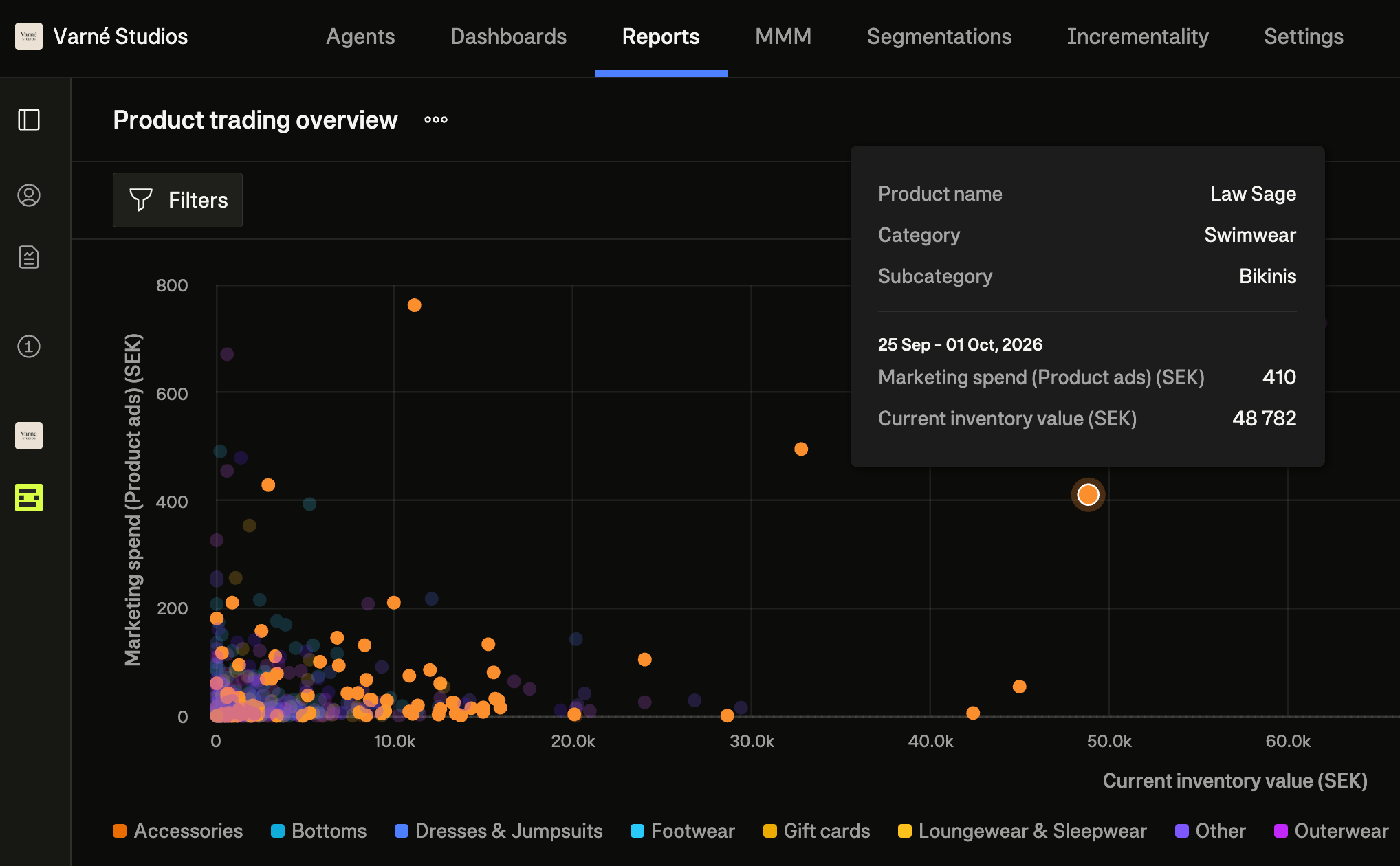
Right-click any row in your reports to explore the data behind it. The drilldown automatically applies filters based on the row's dimensions and lets you select an additional dimension to investigate further. All filters can be adjusted before drilling down.

(Shopify customers only)
Automatically export your dynamic product segmentations to Shopify as product tags, updated daily. Use these tags to create automated collections, set up targeted promotions, or adjust product visibility on your storefront.

January 23rd, 2026
Working with wide tables just got easier. You can now freeze columns to keep key data visible while scrolling, and reorder columns by drag-and-drop to customize your view.

Text widgets can now be placed side by side (up to two per row), making it easier to add context without taking up vertical space. We've also added hover tooltips that show metric and dimension descriptions directly in tables and KPI widgets β no more guessing what a field means. And dashboards with long names are no longer truncated in the header.
The Dema Agent can now analyze images and PDF files you share in the conversation. Upload a screenshot of a dashboard, a report, or any visual data β and ask the agent to help you interpret it.