One less decision before you ask
Let Auto pick the model for you
Auto is now in the agent model picker, and it's the one to choose. Each question gets sized up as it arrives and routed to a model that suits it, so a quick lookup no longer costs the same as a full analysis: fewer credits, same quality of answer.
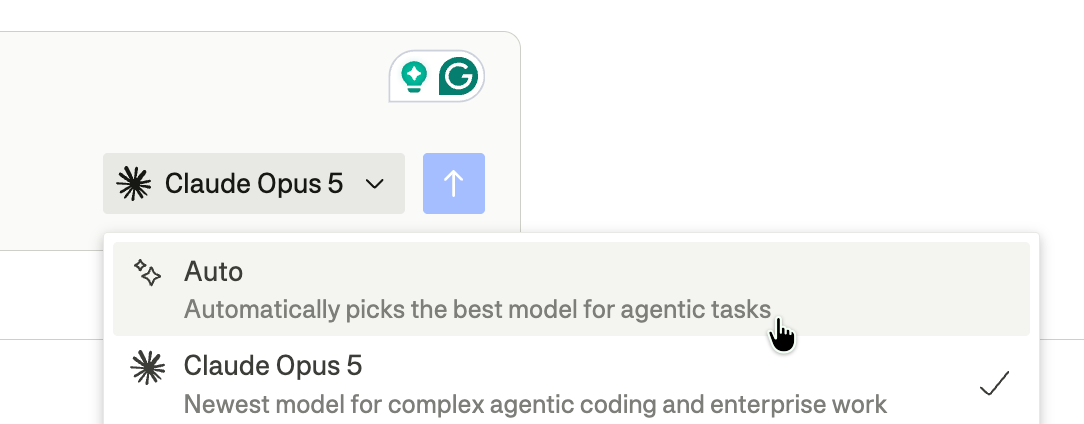
Your choice sticks like any model pick, carrying across conversations and reloads until you change it. Auto is also available as a custom agent's default model, where a scheduled run classifies its instruction once before the run starts.
We've written up where Auto saves the most, and where you're better off picking a model yourself, in the agent guide.
Apps that fix themselves
When something inside a generated app fails to run, the app now says so instead of quietly showing you stale numbers. A banner appears above it offering to ask the agent to fix it, and the app keeps running underneath while you decide. Dismiss it if you would rather not.
From a chat, the fix lands in the conversation already on screen. From a full-page app, it opens a session on the agent that owns it. It works inside the preview app window in conversations too.
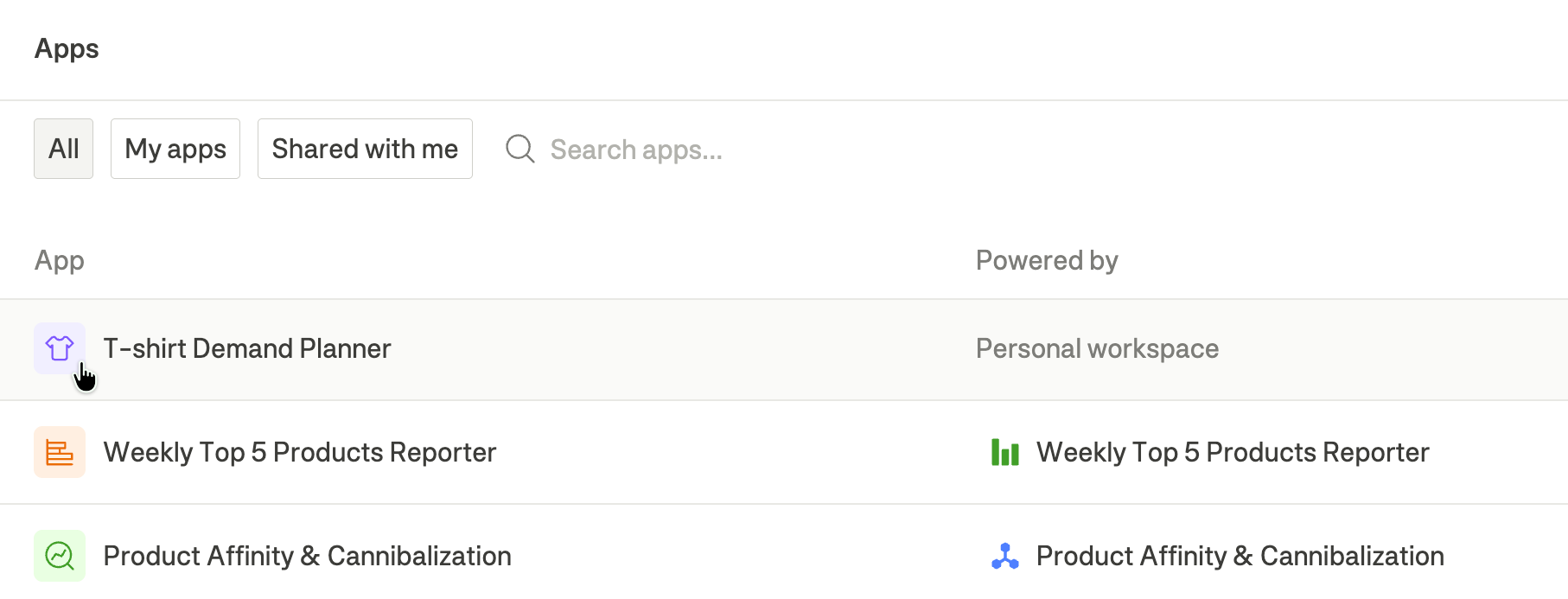
Apps have their own icons too. Every entity in Dema draws from a proper icon set, and as of this release, that includes apps. An agent picks one when it builds or renames an app, and you can change it from the icon button beside the app title if you own the app or the agent behind it. Apps use the line weight of the set while agents stay solid, so the two stay easy to tell apart in the same list. The icon follows the app everywhere: the apps list, the app library, the workspace panel, and the command palette.
Connect Voyado yourself
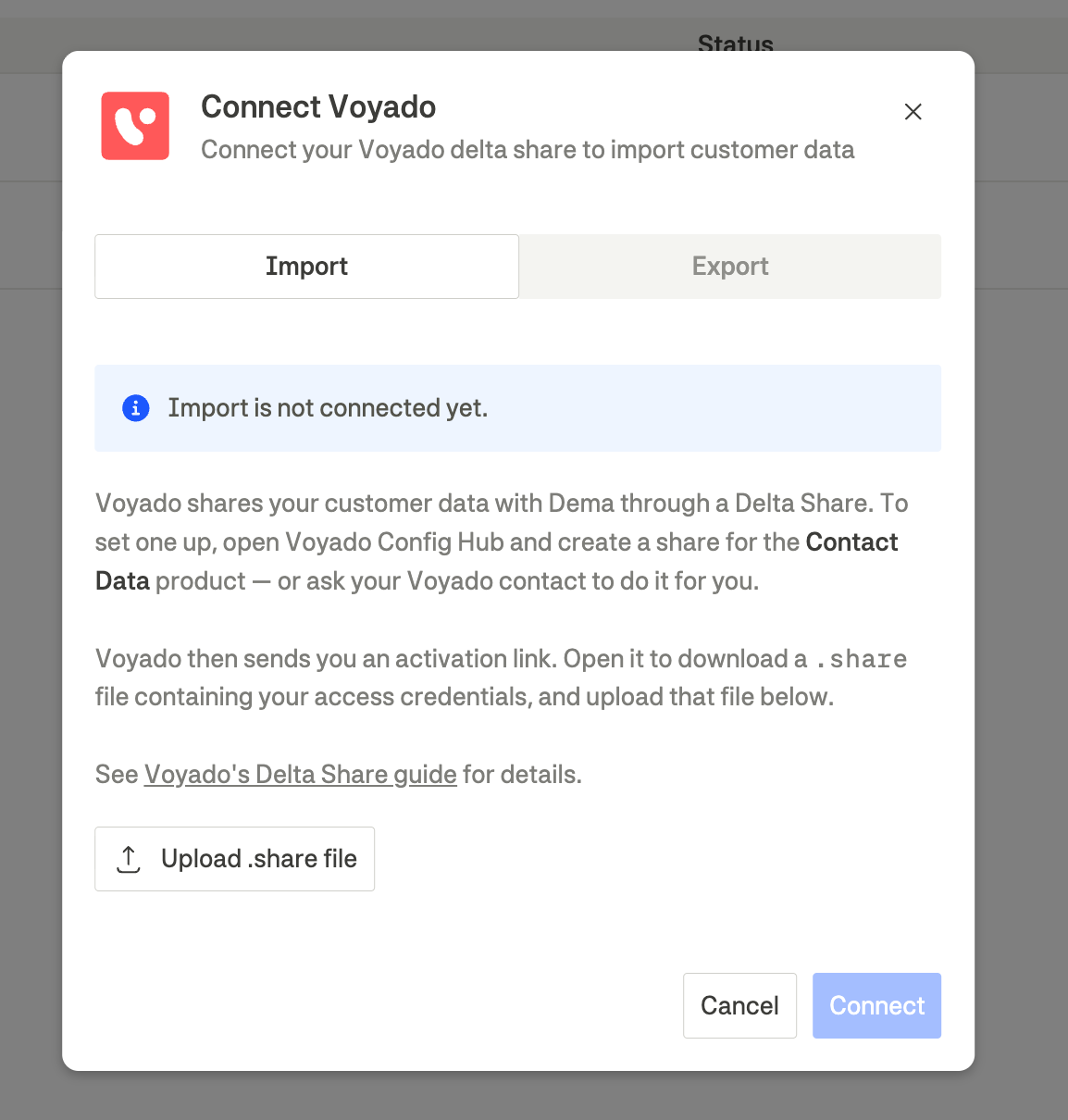
Voyado has been a segmentation destination since July. What is new is that you no longer need us to set it up.
Voyado now appears as a choice in the Add data connection button under Integrations on the Settings page, and it covers both directions. Import points Dema at your Voyado delta share. Export takes your Voyado Engage API key and tenant base URL, and sends the segmentation labels you build in Dema back onto those contacts. A full walkthrough can be found in our Voyado documentation.
Choose which accounts you're connecting
Connecting an ad platform now asks a question it used to answer for you. Where there's more than one ad account or storefront behind the connection, a Select accounts to connect step lets you tick the accounts you want and choose which storefronts each one feeds. Accounts with one storefront still connect without stopping to ask.
Attentive, with a lot more to work with
Attentive MCP joins the agent integration catalogue, and it is a much bigger surface than the Attentive connection you already have. Where the old one covered 13 tools, this covers 74.
Your agent can pull reporting and campaign metrics, see the campaigns and journeys you actually have running, and build and update segments rather than working around them with custom attributes. Email templates, creatives, and brand kit come with it.
Find it under Agent integrations in Settings, listed as Attentive MCP. You connect by signing in to Attentive rather than pasting an API key.
Attentive's MCP is still in beta on their side, so enable it for your company in Attentive first. Connect without it, and you will see a limited set of tools.
